


Description
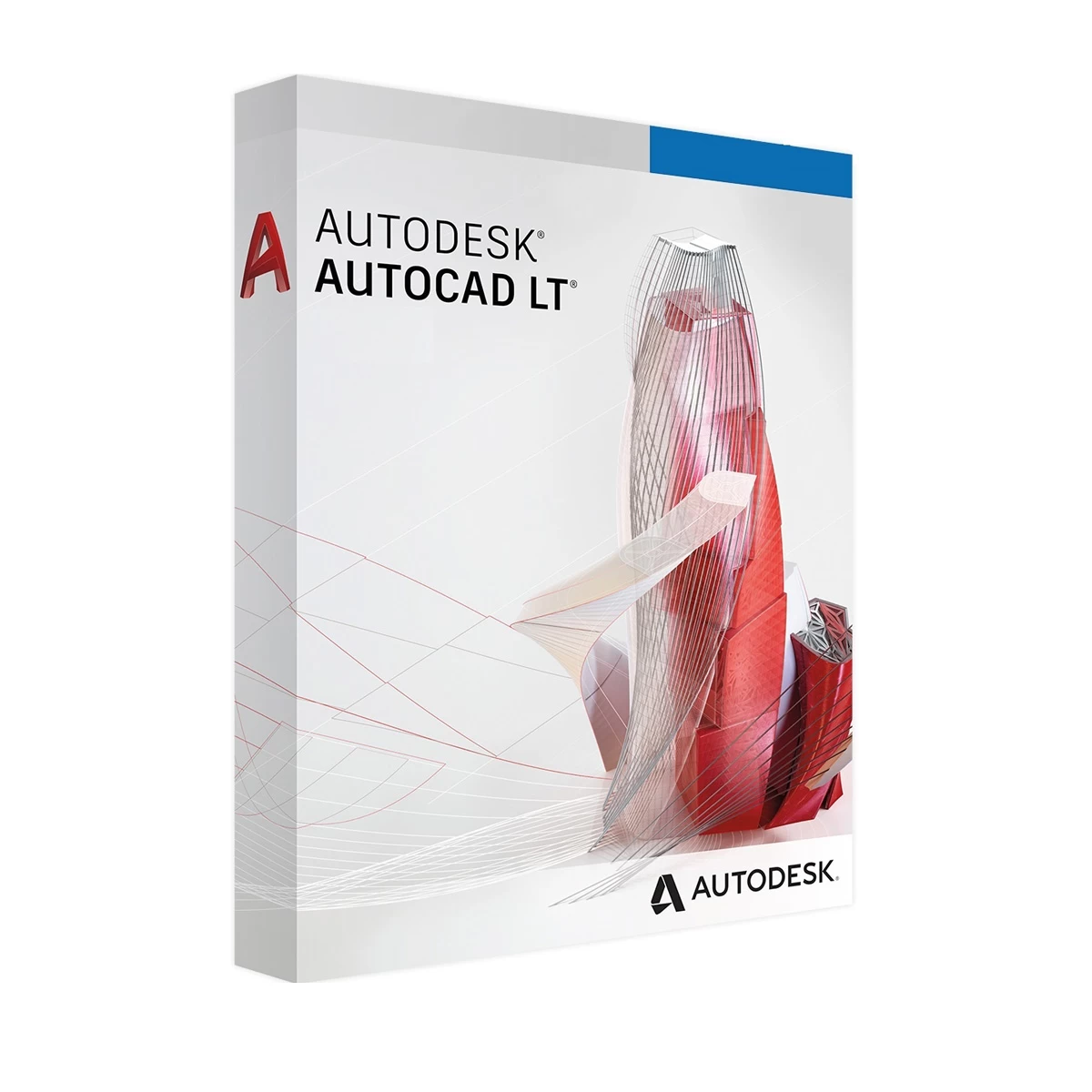
Autodesk AutoCAD হলো একটি powerful computer-aided design (CAD) software যা technical drawings, architectural plans এবং engineering designs তৈরি করার জন্য ব্যবহৃত হয়।
AutoCAD ব্যবহার করে আপনি সহজেই তৈরি করতে পারবেন:
-
Architectural floor plans
-
Engineering drawings
-
Mechanical designs
-
Electrical layouts
-
3D models
এই software precision এবং accuracy এর জন্য globally trusted।
Powerful 2D Drafting Tools
AutoCAD এর সবচেয়ে গুরুত্বপূর্ণ feature হলো advanced 2D drafting tools।
এগুলোর মাধ্যমে আপনি:
-
Accurate technical drawings তৈরি করতে পারবেন
-
Dimension এবং annotations add করতে পারবেন
-
Professional layouts design করতে পারবেন
Architects এবং engineers দের জন্য এটি essential tool।
Advanced 3D Modeling
AutoCAD powerful 3D modeling capabilities প্রদান করে।
এই feature ব্যবহার করে আপনি:
-
3D objects design করতে পারবেন
-
Realistic models তৈরি করতে পারবেন
-
Product visualization করতে পারবেন
এটি product design এবং industrial modeling এর জন্য ideal।
Precision and Accuracy
AutoCAD এর tools এমনভাবে design করা হয়েছে যাতে designs extremely precise হয়।
Features include:
-
Smart dimension tools
-
Object snap precision
-
Grid and alignment system
-
Accurate measurement tools
এগুলো complex projects সহজ করে দেয়।
Collaboration and File Compatibility
AutoCAD widely used DWG file format support করে যা industry standard।
এতে আপনি:
-
Team members এর সাথে design share করতে পারবেন
-
Different CAD software এর সাথে compatibility পাবেন
-
Projects collaborate করতে পারবেন
Why Choose AutoCAD?
Industry Standard CAD Software
Architecture এবং engineering industries এ widely used।
Powerful Design Tools
2D drafting এবং 3D modeling এর জন্য advanced features।
High Precision Design
Accurate technical drawings তৈরি করা যায়।
Professional Workflow
Large scale projects efficiently manage করা যায়।
Perfect For These Users
Autodesk AutoCAD বিশেষভাবে suitable —
✔ Architects
✔ Civil Engineers
✔ Mechanical Engineers
✔ Interior Designers
✔ Construction Professionals
✔ Students (Engineering & Architecture)
System Requirements
AutoCAD run করার জন্য recommended specifications:
-
Windows 10 / Windows 11
-
Minimum 8 GB RAM
-
Dedicated graphics card recommended
-
10 GB free disk space
How Activation Works
1️⃣ আপনার computer এ AutoCAD software install থাকতে হবে
2️⃣ Purchase করার পর activation key receive করবেন
3️⃣ Software activation section এ key enter করুন
4️⃣ AutoCAD activate হয়ে যাবে এবং full features unlock হবে
Start Designing Like a Professional
আপনি যদি professional CAD design software ব্যবহার করতে চান, তাহলে Autodesk AutoCAD হলো সবচেয়ে trusted solution।
আজই order করুন এবং engineering ও architectural design projects এর জন্য industry-standard CAD software ব্যবহার শুরু করুন।
Reviews (0)
Be the first to review “Autodesk AutoCAD”
Related products



Reviews
There are no reviews yet.